Licensed by the CBN. Insured by NDIC.

Everyday banking
on your phone.

Send money, save, borrow and pay bills from your phone.

You need your BVN, NIN and a selfie.See how it works
A young woman smiling at her phone on a Lagos street
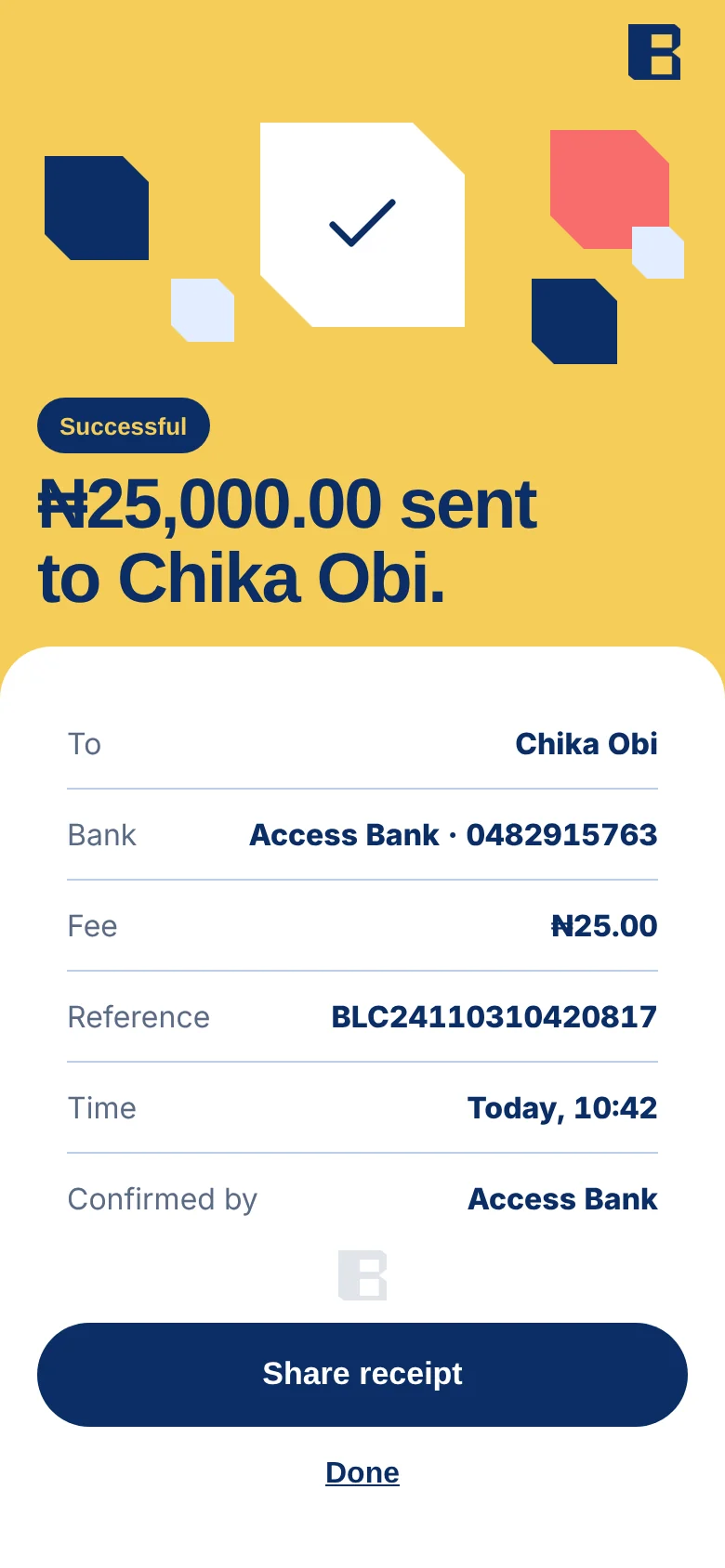
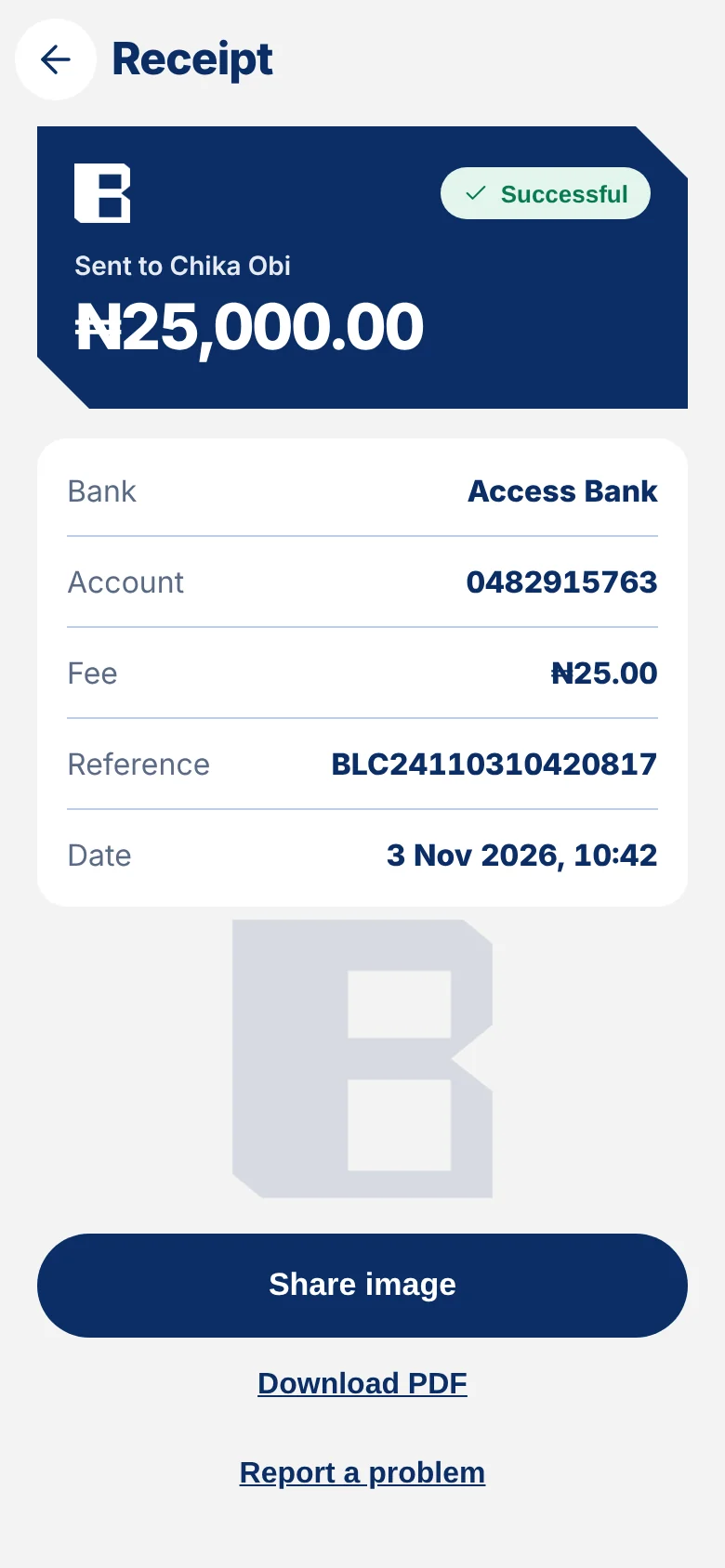
Transfer successful₦25,000.00 to Chika Obi
Available balance₦148,250.00
Regulation

Licensed by the CBN.
Insured by the NDIC.

Bloc Microfinance Bank operates under a licence from the Central Bank of Nigeria. Deposits are insured by the Nigeria Deposit Insurance Corporation, subject to its limits.

CBN logo
Licensed by the CBNCentral Bank of Nigeria
NDIC logo
Insured by NDICNigeria Deposit Insurance Corporation
NDPC logo
NDPA compliantNigeria Data Protection Act
The app

Everyday money, in one app.

01

Send money.

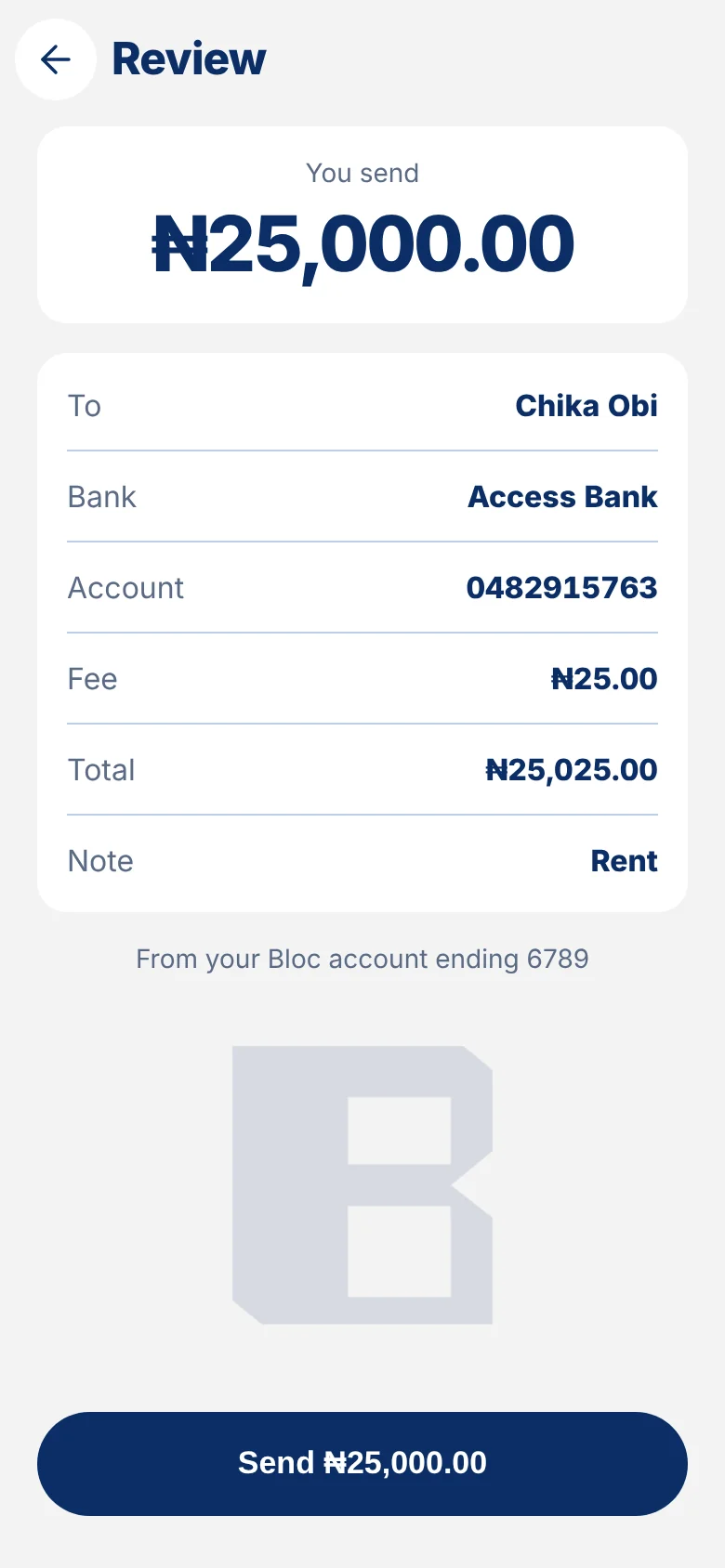
Pick a bank, enter an amount, and check the name and fee before you confirm.

02

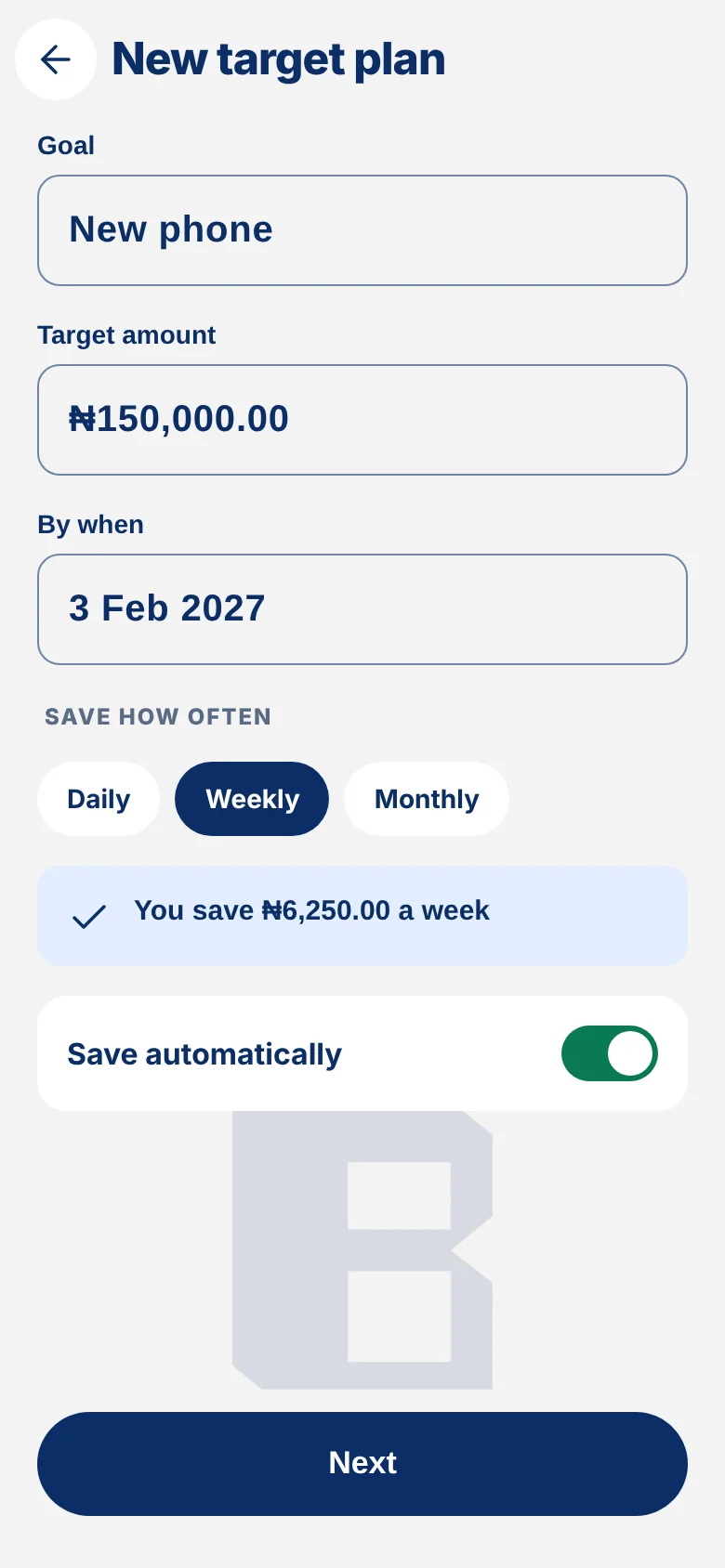
Save toward a goal.

Create a savings plan with a target, then watch it grow in the app.

03

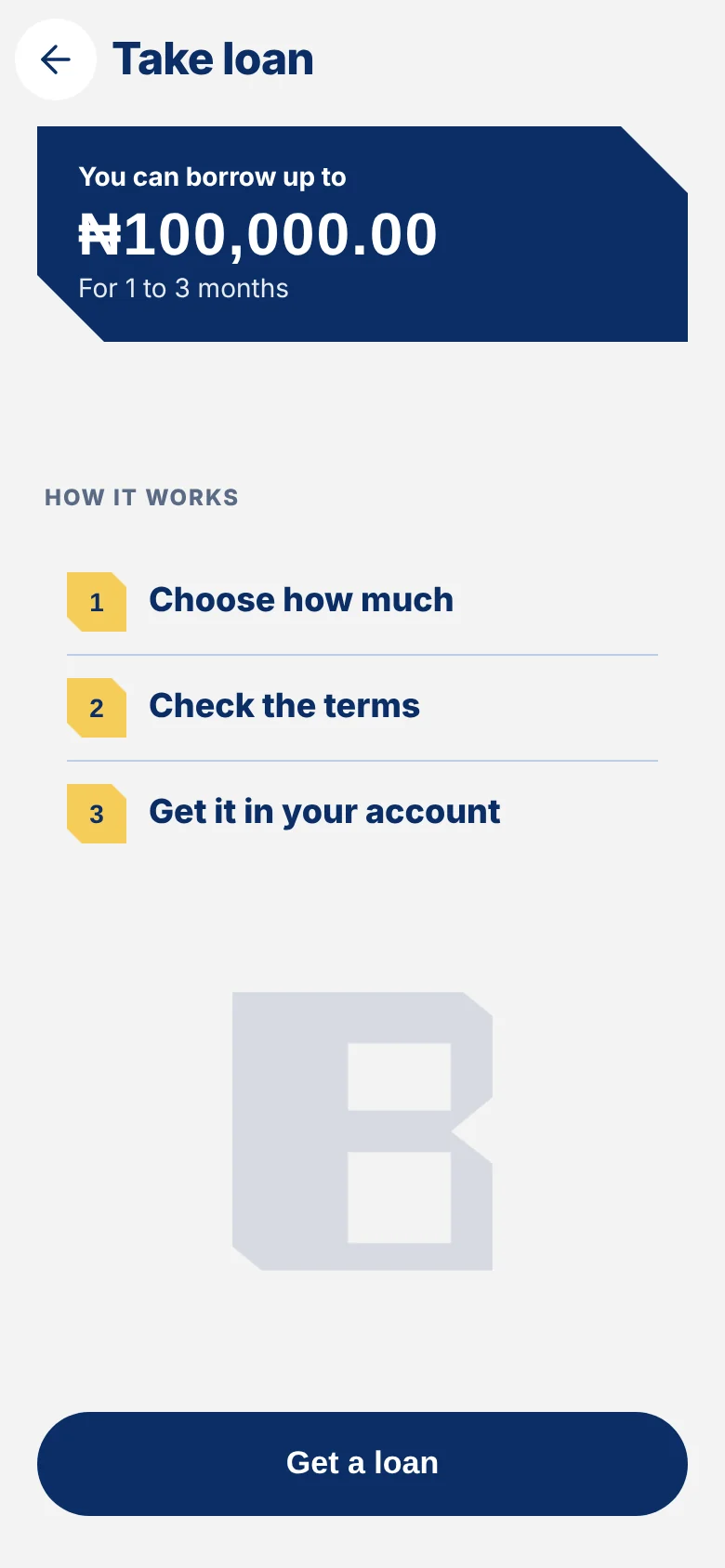
Borrow with clarity.

See what you will repay each month before you accept a loan.

Send money review screenNew savings target plan screenLoan screen with monthly repayment
What you can do

Personal banking products.

Send money

To any Nigerian bank. You see the fee before you confirm.
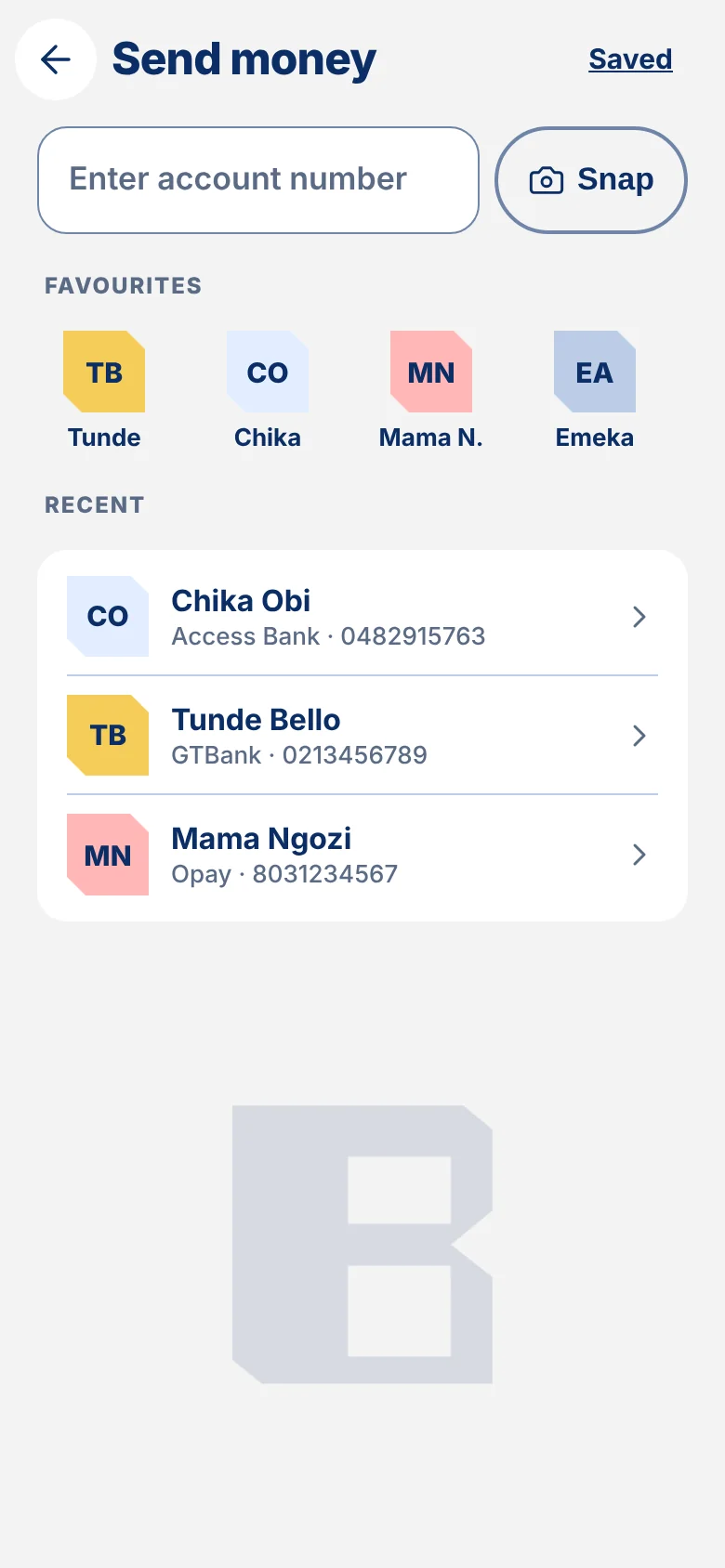
Bloc app send money screen with favourites and recent recipients

Receive money

Share your account number as an image in one tap.
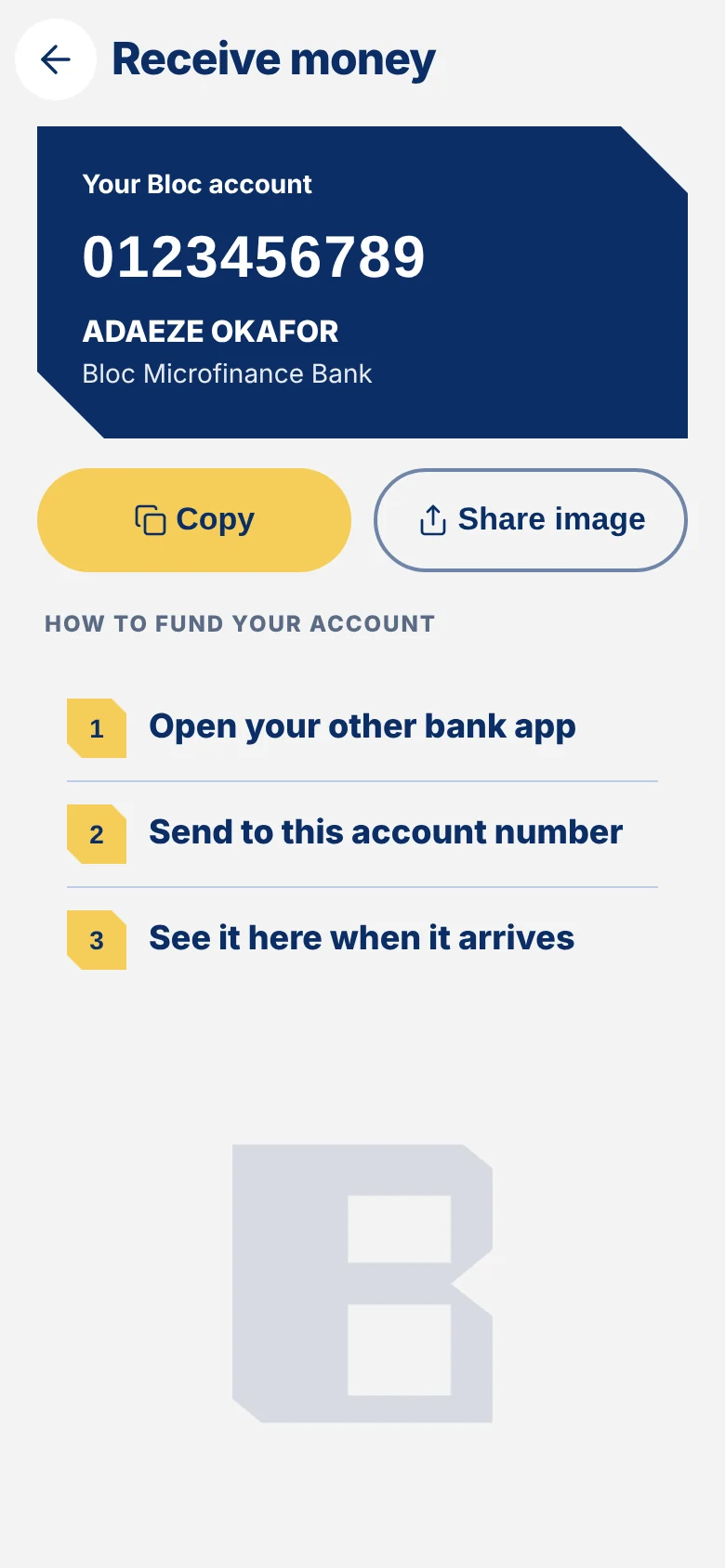
Bloc app receive money screen showing your account number

Pay bills

Airtime, data, electricity, cable TV and internet.
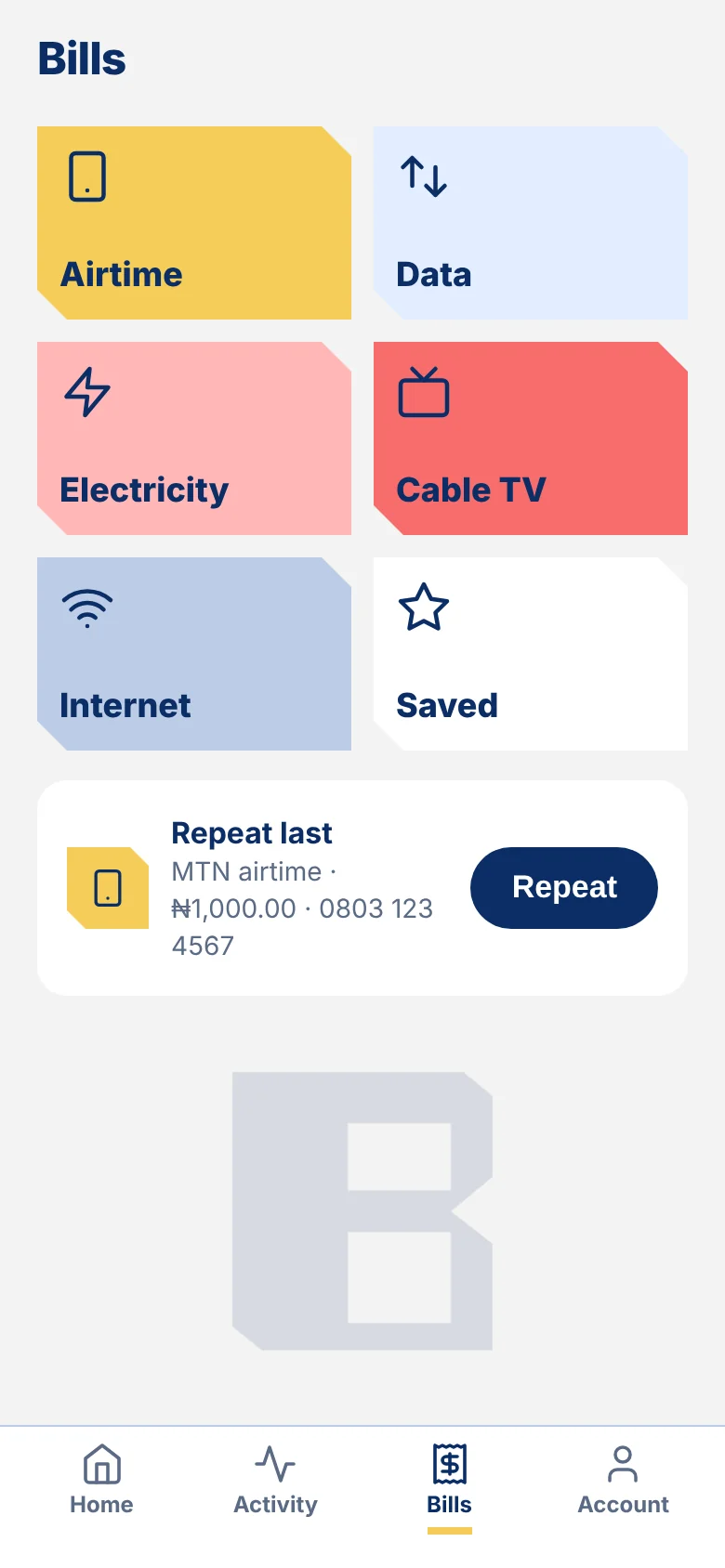
Bloc app bills screen with airtime, data, electricity, cable TV and internet

Save money

Set a savings goal and track your progress.

Bloc app new target plan screen with goal, amount and date

Take loan

Check how much you can borrow and your monthly repayment before you confirm.

Bloc app take loan screen showing how much you can borrow

Your account

Limits, statements and security, all in one place.
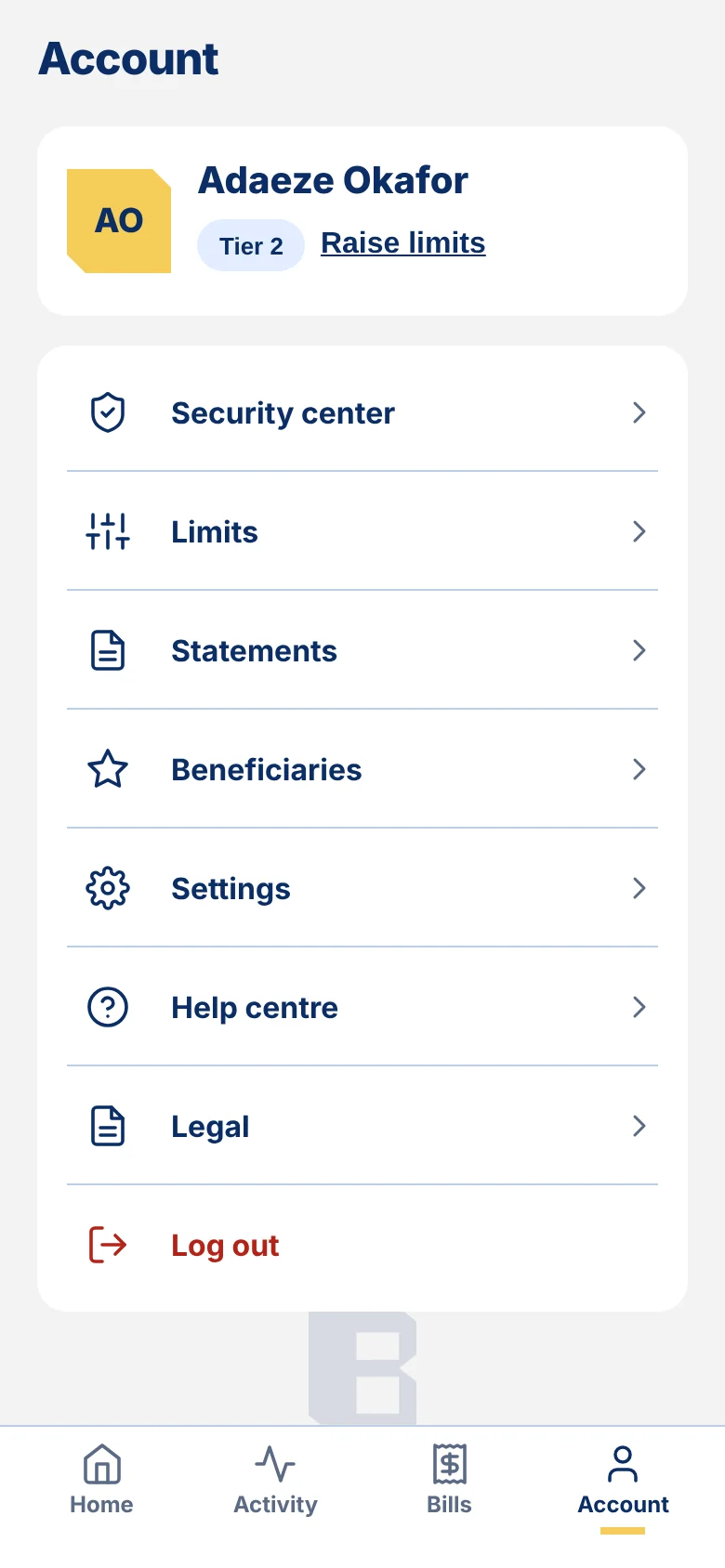
Bloc app account screen with security, limits and statements
How it works

Open an account on your phone.

1
Download the appCreate your sign-in with your phone number and email.
2
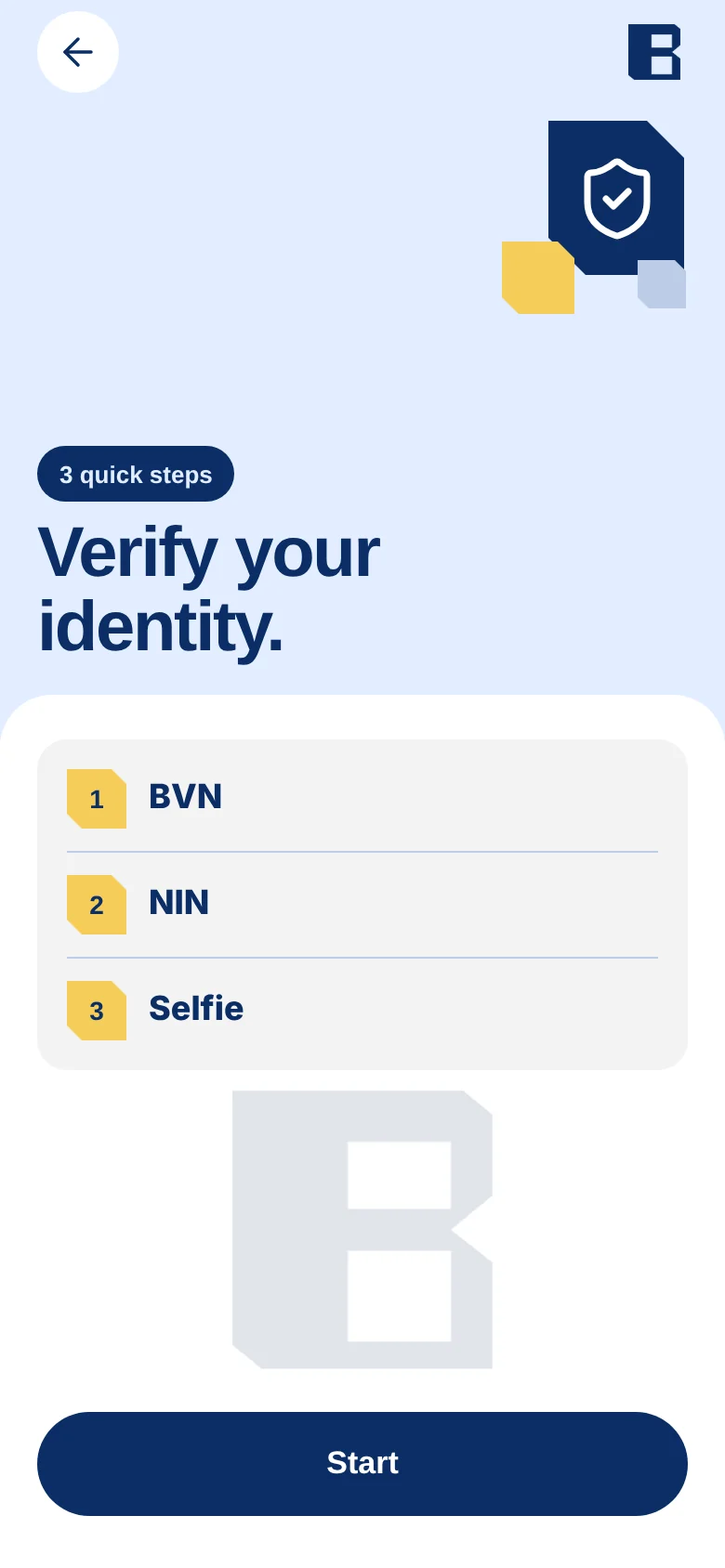
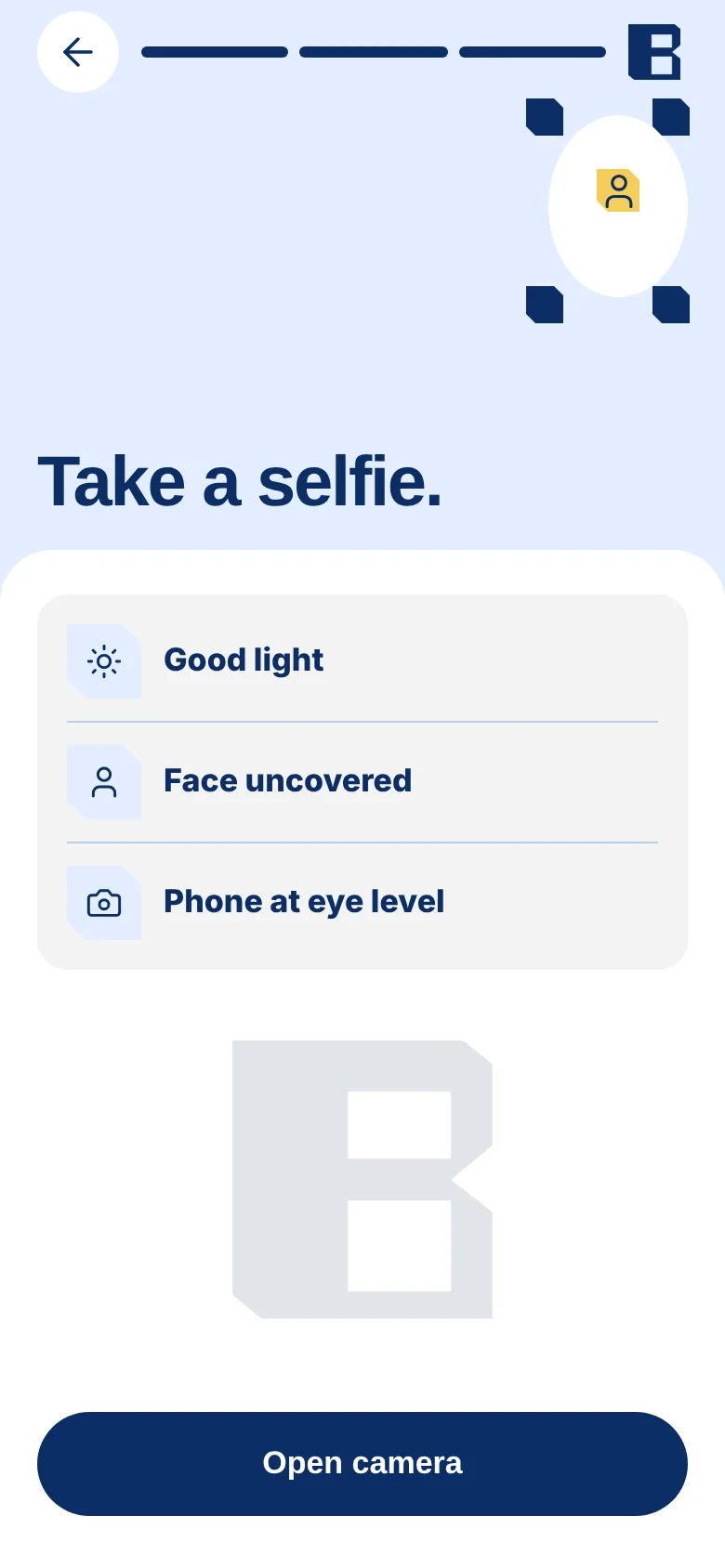
Verify yourselfAdd your BVN and NIN, then take a selfie.
3
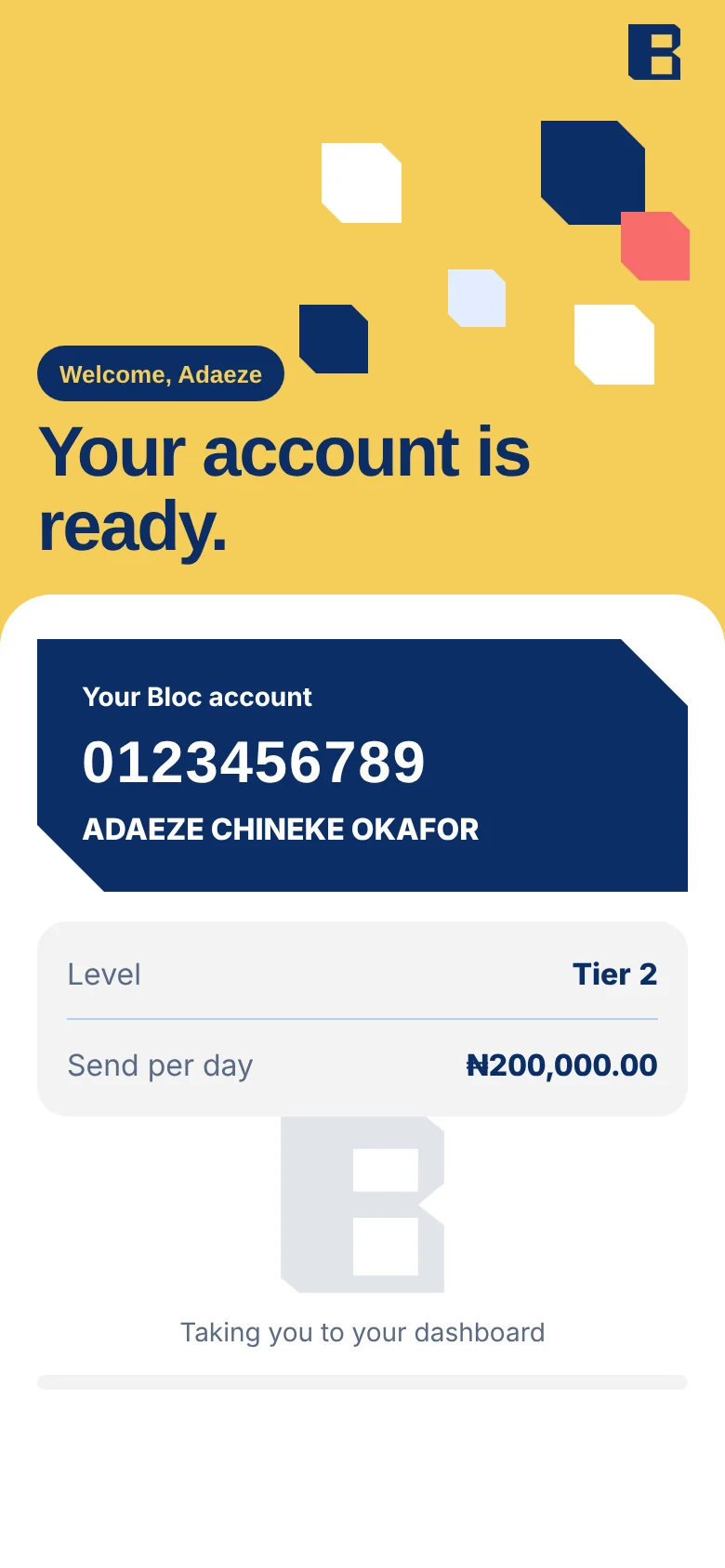
Start bankingYour account number is ready when we finish checking.
Bloc app identity check start screen
Bloc app selfie guide screen
Bloc app account ready screen
Security

Security and protection.

Simple protections that work in the background, so you can bank without worry.
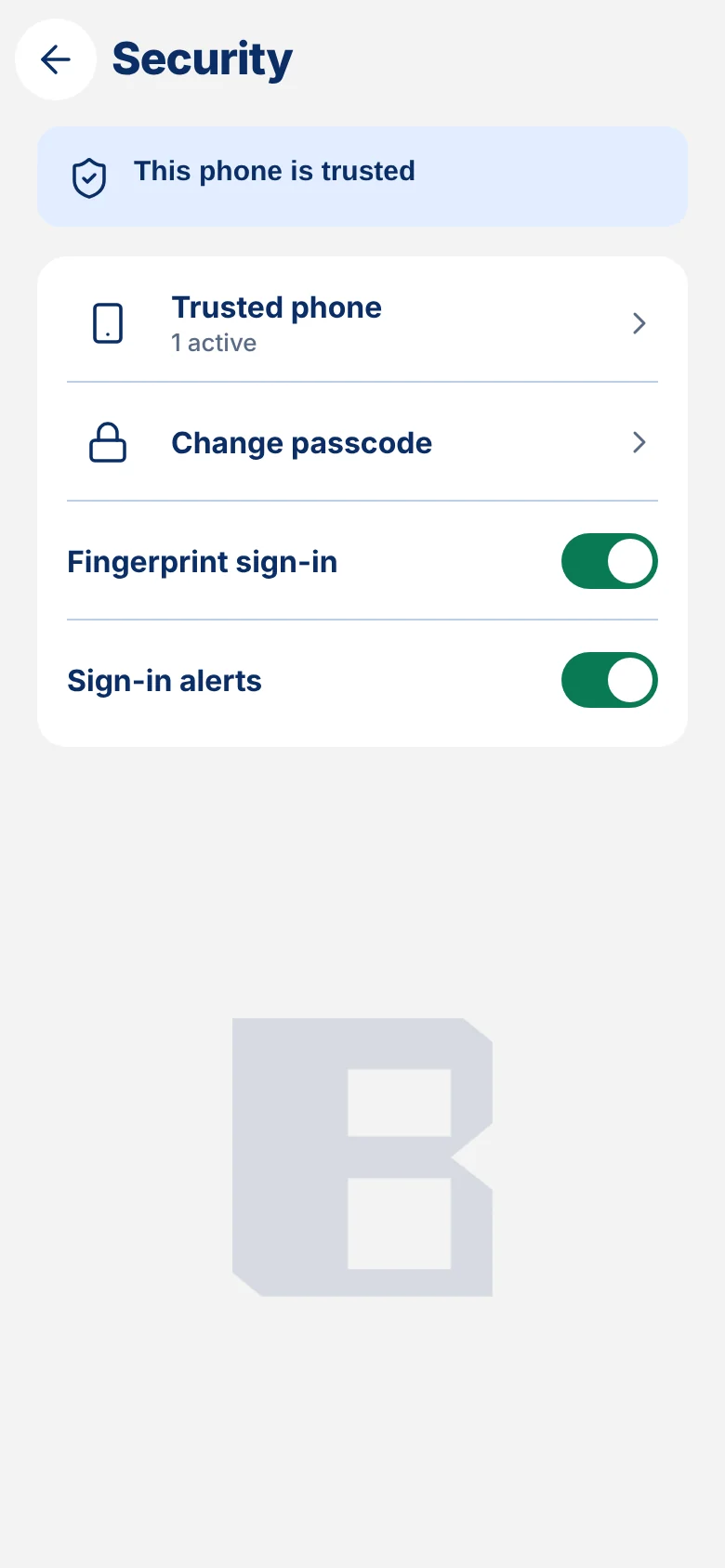
One trusted phoneOnly one phone is active at a time.
Passcode and fingerprintSign in with your passcode or a touch.
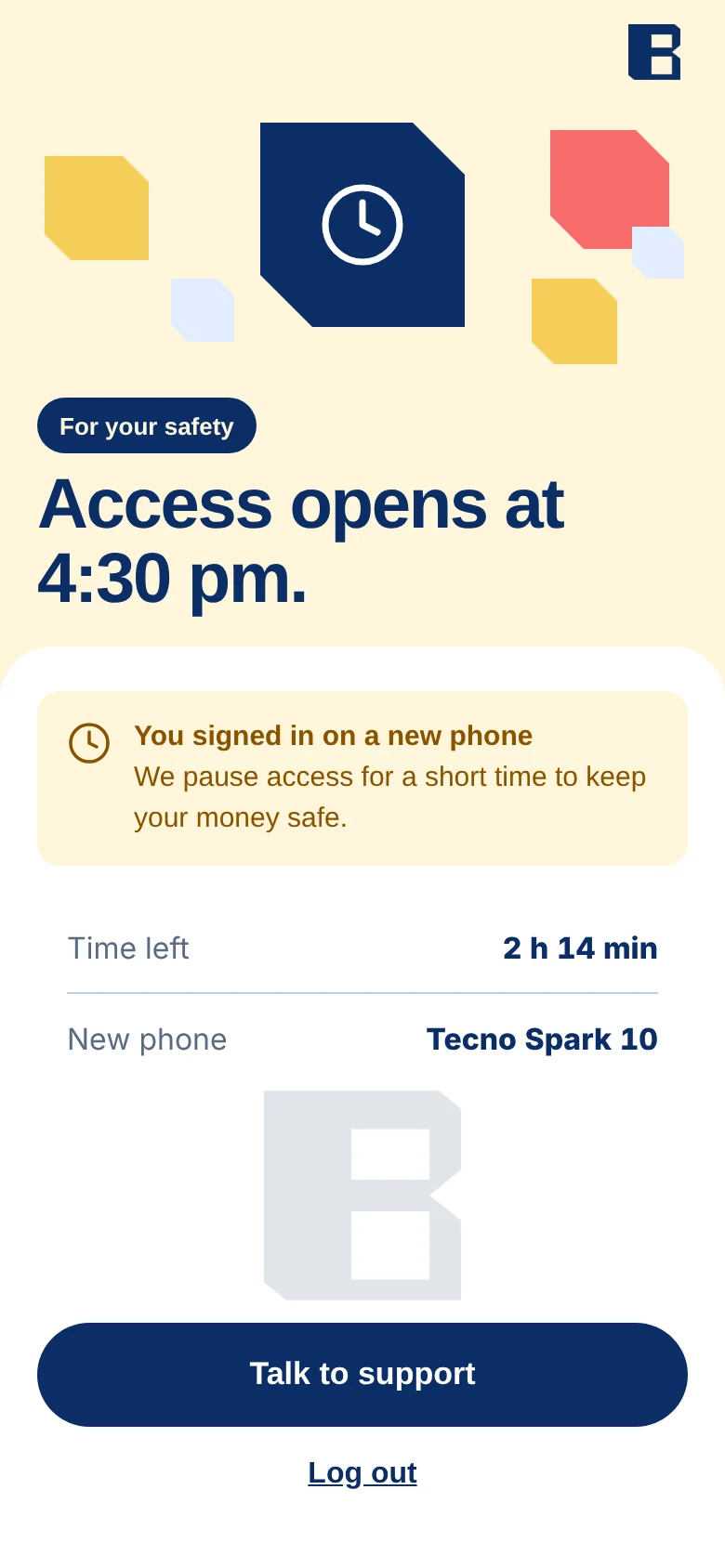
A pause on new phonesA short wait when you sign in on a new phone.
Alerts on every sign-inWe email you whenever someone signs in.
Money back, with a timeIf a transfer fails, we tell you when it is back.
We never ask for your passcodeBloc will never ask for your passcode or a code.
Bloc app security screen showing this phone is trusted
Bloc app screen showing a pause when signing in on a new phone

Fees you can see before you confirm.

Every transfer shows its fee first. Read the full guide to charges any time.

Read the guide to charges
Help

Frequently asked questions.

Still stuck? Chat with us in the app or email support@blocmfb.com.

Is Bloc a licensed bank?

Yes. Bloc Microfinance Bank is licensed by the Central Bank of Nigeria. Deposits are insured by the NDIC, subject to its limits.

What do I need to open an account?

Your phone number, email, BVN, NIN and a selfie. You do everything in the app.

Why do you ask for my BVN and NIN?

Nigerian banks must confirm who you are. We use these details to check your identity and nothing else.

How do I add money?

Send money to your Bloc account number from any bank or app. The app shows your number and lets you share it as an image.

What if a transfer is slow?

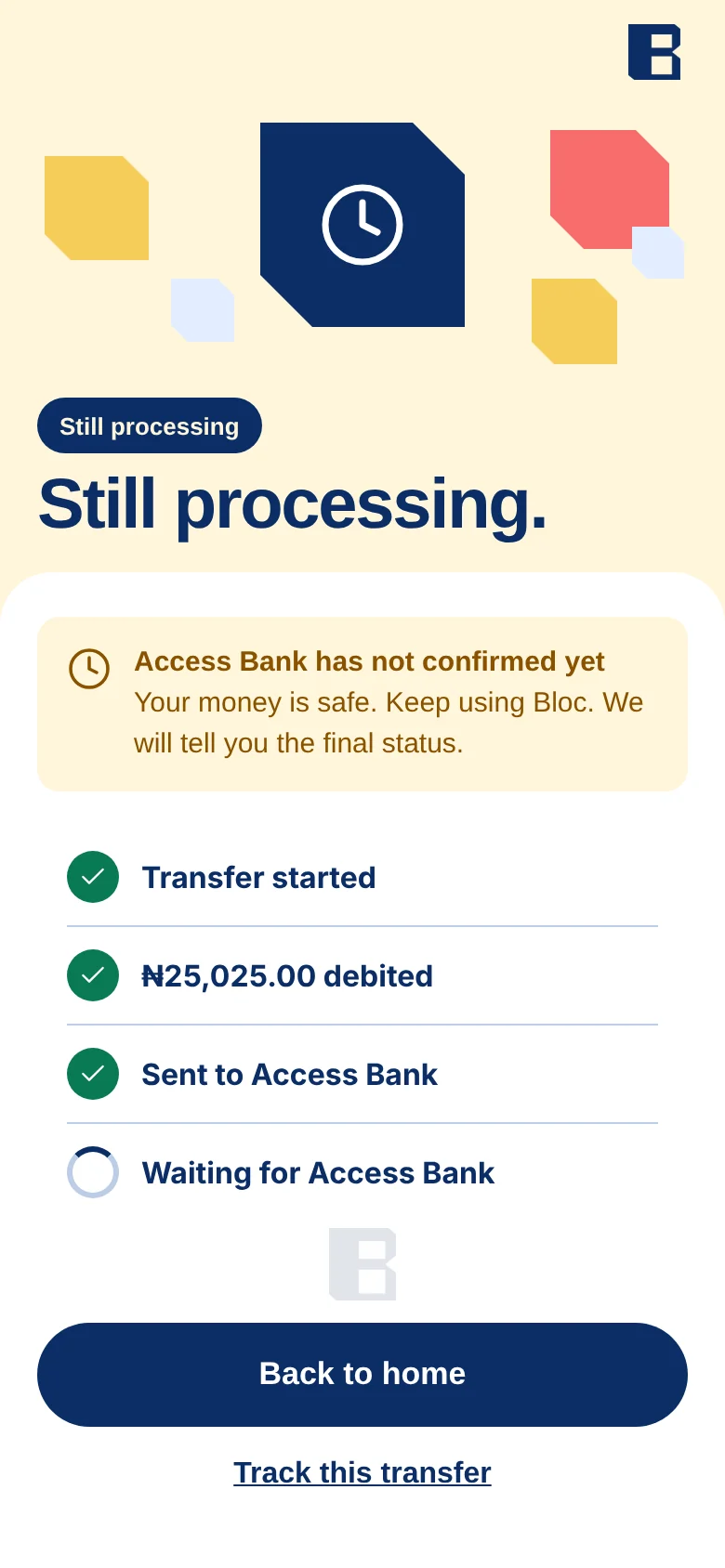
The app shows it as pending. Your money is safe. If it fails, we return it and tell you when it is back.

Can I use Bloc on two phones?

One phone is active at a time. When you move to a new phone, access pauses for a short time to protect your money.

Can I save and borrow with Bloc?

Yes. Set a savings goal in the app. Loans need a few extra checks. We show what you pay each month before you confirm.

How do I get help?

Chat with us in the app, or email support@blocmfb.com.

Get Bloc on your phone.

Download the app and open your account in a few steps.
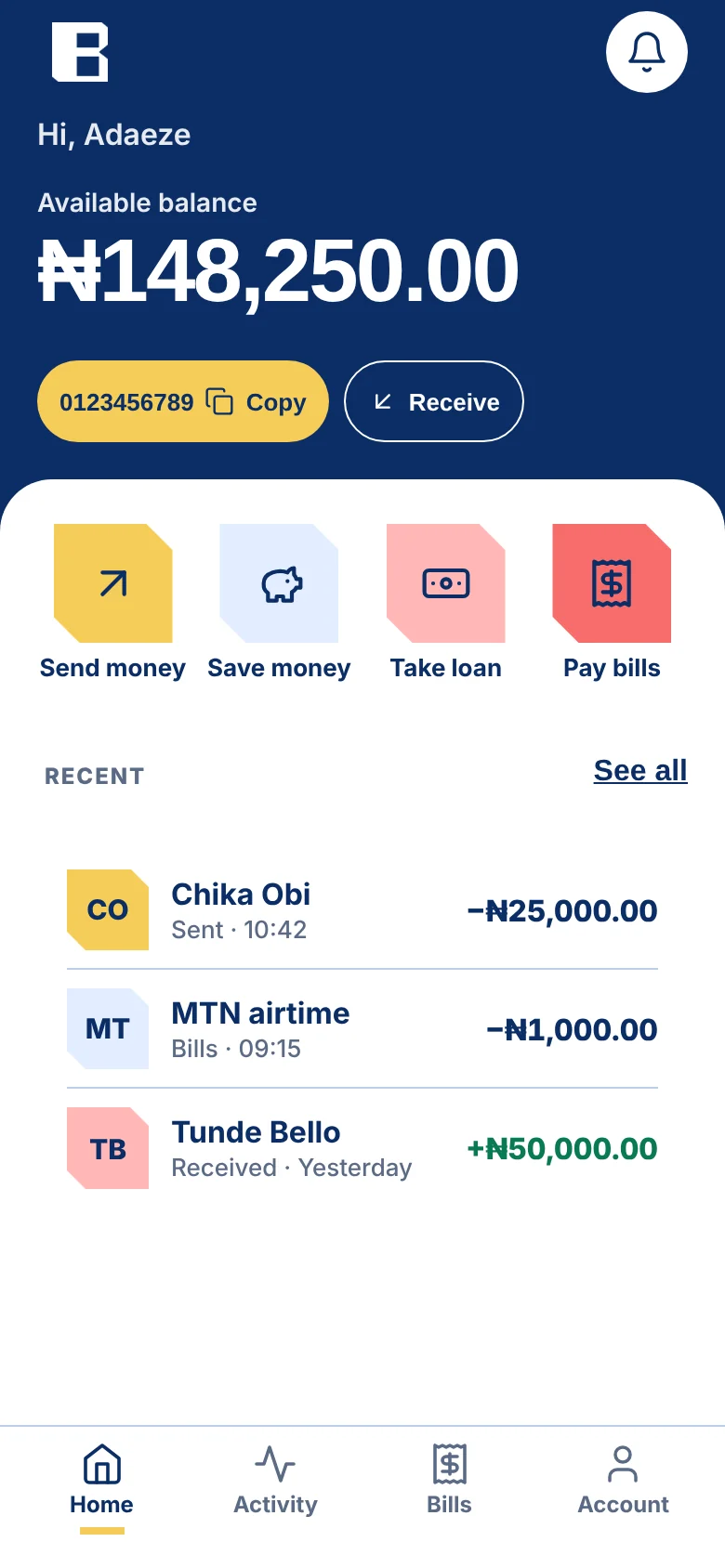
Bloc app home screen